Spatial Intelligence Platform

Space, scanned

From photos and video to a live service. Capture it and ship it, all in one place.

Scroll
CAPTURE POINTS —
LINKED PATH —
SCAN —
3D authoring tool Beginners build content quickly and easily, right in the browser
Free viewpoint · measurement Look from any angle, not just fixed spots, and measure right there
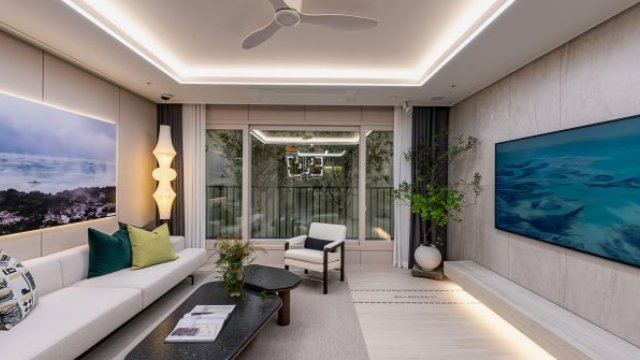
Photoreal Glass, reflections and leaves that conventional 3D misses stay true to life

Keeps what conventional 3D smears away

3D built by carving out geometry can’t hold things with soft edges, like glass, water and leaves. Gaussian splatting rebuilds a space as a distribution of light, so it stays close to a photograph. 360VR and 3DVR work alongside it, depending on the goal.

Construction records

Capture the whole site at every stage. Shoot during construction and you can show the space before it’s even finished.

Real estate · sales

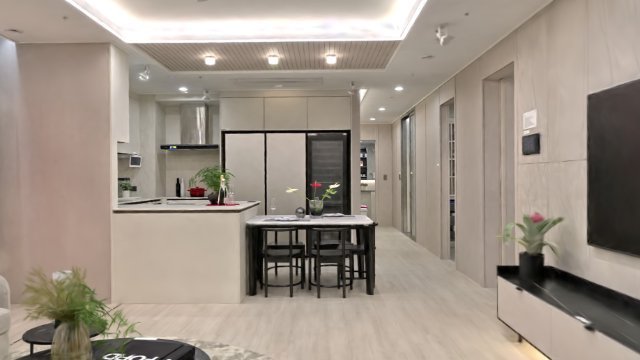
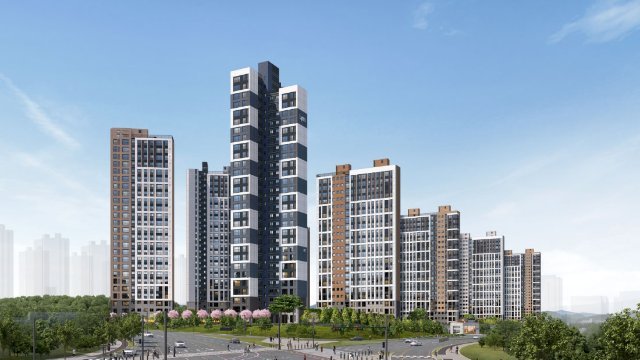
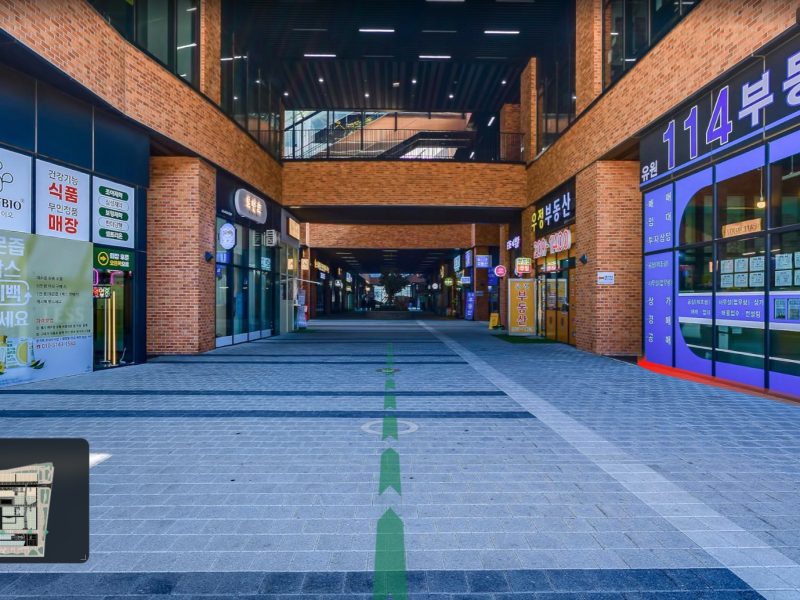
Not just interiors: the exterior, landscaping and surroundings all fit in one scene. One link, open around the clock.

Heritage · exhibitions

Preserve the original before it’s gone. Glass cases and lighting stay exactly as they were that day.

Facilities · inspections · incidents

Capture it before it’s cleared away, then revisit it on screen later and measure it right there.

Three ways to capture a space

01 / 03

3DGS

Gaussian Splatting

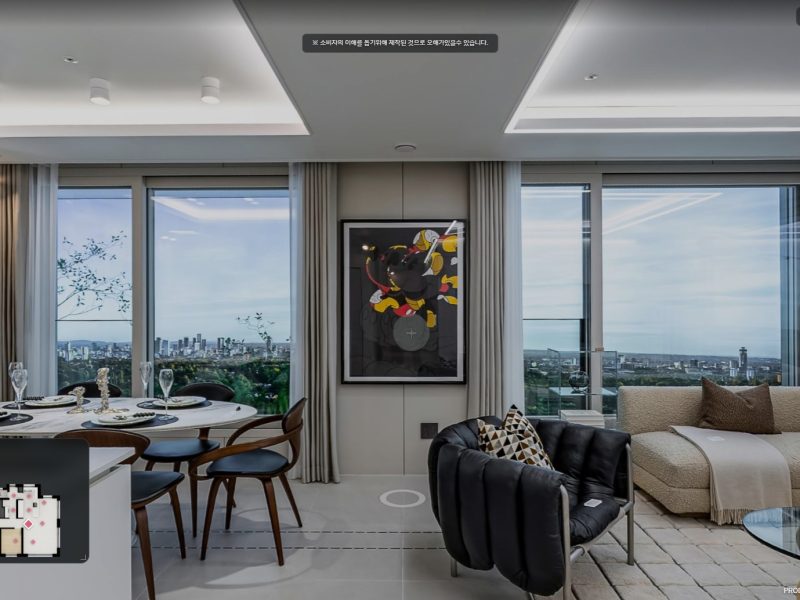
Gaussian splatting rebuilds a space from hundreds of photos as a field of light. Glass, reflections and foliage — the things modeled geometry struggles with — come through looking real.

  • Hard to tell from a photoEven things with blurry edges, like glass, mirrors, water and leaves, are rebuilt. Of the three methods, it comes closest to the real thing.
  • No fixed viewpointsYou're not limited to where the camera stood. Move anywhere in the space, at any angle.
  • Walk it, measure itMove along the floor without passing through walls. Measure distances and areas right on screen.
  • Dress it up yourselfPlace hotspots, floor plans, 3D text and skyboxes with a mouse. Upload, customize and share as a link, all on one screen.

It looks like a photo, but you can walk around inside.

Used for Premium presentations As-built archives Exhibitions · heritage Landscapes · outdoor sites Luxury listings Incident · site records

Measurable — distance · area Learn more →
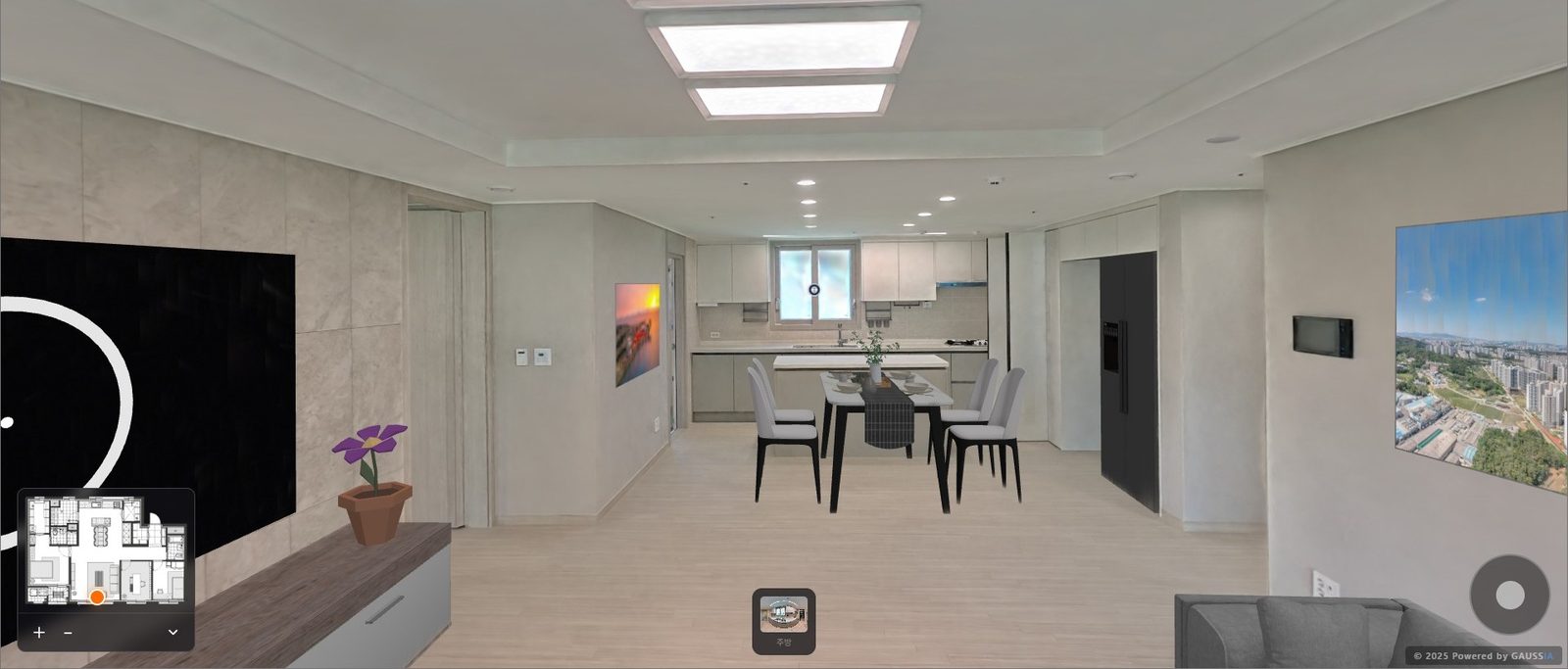
3DGS — Gaussian Splatting

02 / 03

3DVR

Measurable 3D tours

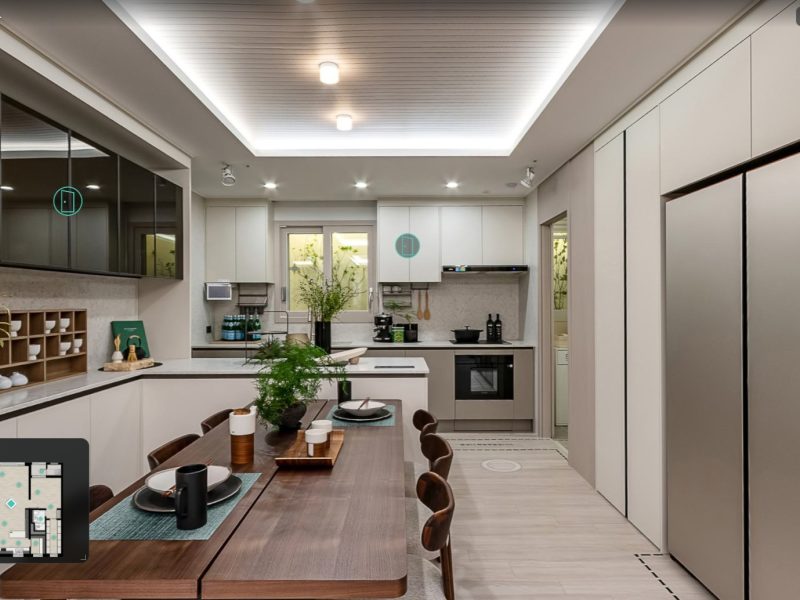
We align 360° captures into the 3D shape of a space. It feels much like a 360 tour, but because it is spatial data with real coordinates, it can do far more.

  • Measure on screenTap two points to get the distance between them. Area works the same way. No more trips back to site to check a dimension.
  • Walk, don't teleportTap a spot on the floor and glide there. Because the movement never breaks, you get a real feel for the size of the space.
  • Connected to public dataOverlay what you already have — parcel numbers, drawings, facility registers — on the space itself. See it and verify it at the same time.
  • Built with a mouse, not developersNo coding. Drag points onto the screen, link them, and you have a tour. A VR CMS your team writes and edits as easily as a blog post.

Measure it, check it, build it yourself.

Used for Site records by construction stage Inspections · defect checks Remodeling surveys Public facilities · asset management Real estate · sales Safety inspection records

Measurable — distance · area Learn more →
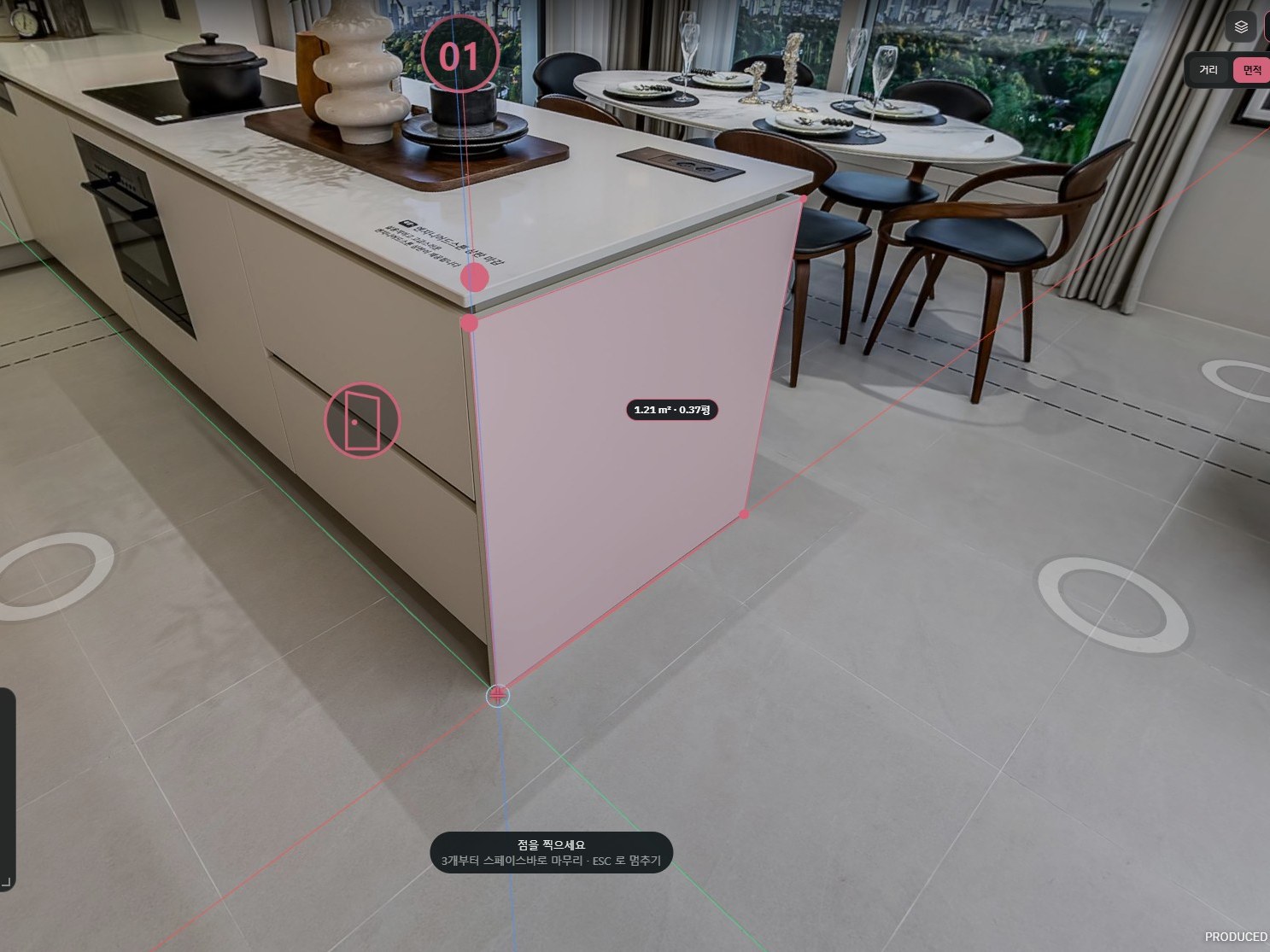
3DVR — Measurable 3D tours

03 / 03

360VR

One platform for 360 content

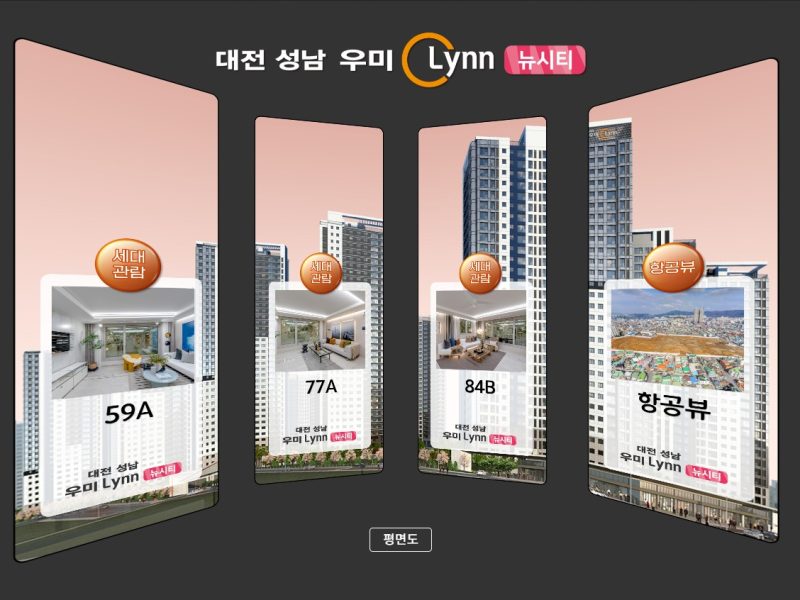
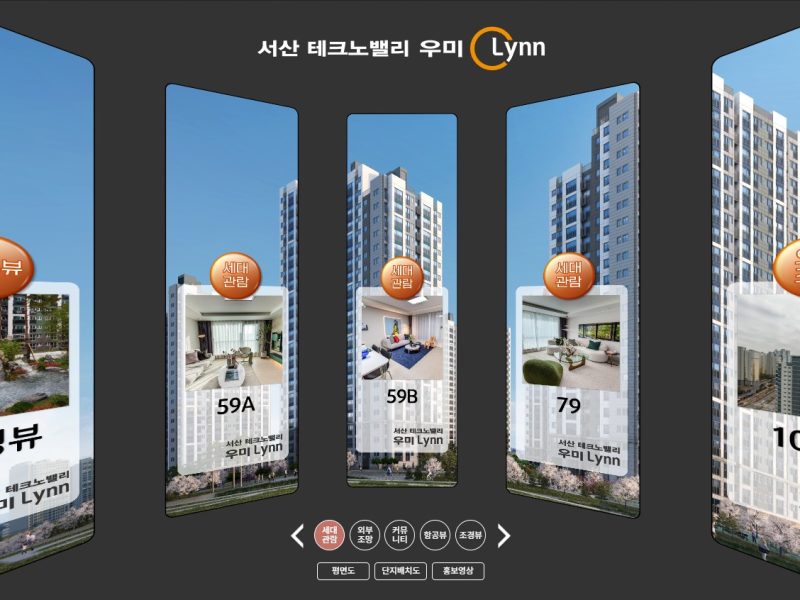
360 images, 360 video, regular video and live streaming from the site, all in one place. From 360 panoramas to digital exhibitions and live broadcasts, one platform covers it.

Used for Sales · model houses Completion records Stores · exhibitions (Digital Exhibition) Aerial panoramas (Aerial VR) Live site broadcasts Schools · public facility guides

Not measurable — for viewing Learn more →

360VR — One platform for 360 content

HOW IT'S MADE

We record spaces and turn them into experiences with a story

Six steps from capture to publishing, joined into one flow. The server automates the repetitive processing so people can focus on what to show and how.

  1. 01 CAPTURE

    Capture

    Capture the site with 360° cameras, drones or scanners. Shoot it yourself or leave it to us.

    360VR3DVRGAUSSIAAerial VR
  2. 02 PROCESS

    Auto processing

    Upload the processed files and the server handles conversion, orientation, tiling and streaming on its own.

    GAUSSIAAerial VR
  3. 03 STORY

    Space analysis & story

    Decide what to highlight and in what order. The route and scenes are designed around the story the client wants to tell.

    TheVR planning
  4. 04 AUTHOR

    No-code authoring

    Place hotspots, floor plans, 3D text and narration by dragging and typing, right in the browser.

    GAUSSIA3DVRAerial VR
  5. 05 CONNECT

    Connect spatial data

    Layer GPS coordinates, cadastral maps, POIs, public-data area information, drawings and facility records onto the space.

    3DVRAerial VR
  6. 06 PUBLISH

    Publish, measure, operate

    Share with one link or embed it on your site. Measure distance and area on screen, and run it yourself with organisation accounts.

    GAUSSIA3DVR360VR

Pick only the steps you need. Whether you run the tools yourself or hand us everything from capture to publishing, it follows the same flow.

Build it yourself, or leave it to us

Hand it to us, or get an account and let your own team build it. Either way, it's the same tools.

Production time drops sharply

File conversion, orientation, linking viewpoints — jobs people once did one by one are handled by the server. The wait between capture and delivery shrinks with it.

Just upload the files

No formats to choose, no settings to tweak. The server looks at what you upload and decides how to process it.

Nothing to install

Everything happens in the browser. Office or site, if there's an internet connection, you can work right there.

Drag, drop, type

No 3D software experience needed. Drag things into place and type the descriptions — that is the whole job.

No dedicated specialist required

Site staff upload and organize tours in spare moments. We open your account and walk you through it.

One link delivers the result

Finished tours go out as a link. Put it on a website, send it by text or add it to a report — it's the same address everywhere.

How much do you want to hand off?

Take just the tools and build it yourself, or leave everything from capture to delivery to us. Pick only what you need.

3DGS authoring account

We open a GAUSSIA account for you. Upload the rebuilt space, place hotspots, floor plans and notes, and publish it as a service, all in the browser.

Includes Account · organization permissions

3DGS data production

We handle capture and reconstruction. You get the result as PLY, or we upload it straight to your account.

Includes PLY · reconstruction data

Web viewer · link sharing

No app to install. One address works on your website, in a text message or in a report.

Includes Public link · embed

360VR · 3DVR

Use them alongside when you need a lightweight tour or dimensions are the goal. All in the same account.

Includes Panorama tours · measurement data

Sample packages

Account only

For teams that can already make PLY files. Take the tools and run it yourselves.

  • 3DGS authoring account

Production + account

Leave capture and reconstruction to us, and your team handles editing and operations.

  • 3DGS data production
  • 3DGS authoring account

Full service

Leave everything from capture to delivery to us. Just use the finished link.

  • 3DGS data production
  • Web viewer · link sharing
  • 360VR · 3DVR

ABOUT THEVR

Years of recording real spaces, delivered as software

TheVR is a spatial information solutions company that has recorded development sites, buildings, exhibitions and public facilities in 360° VR since 2010. We automated the repetitive work of field production and turned that experience into products — GAUSSIA, 3DVR, Aerial VR and the 360VR Platform. One team takes responsibility from capture to solution rollout and operation.

2010~Recording spaces since
4Spatial solutions in service
ONE TEAMCapture, planning, development and operations in one team
AERIAL × SPATIAL DATA

Aerial VR Solution

Aerial 360° authoring tool that links GPS, cadastral maps, POIs and public-data area information

3D GAUSSIAN SPLATTING

GAUSSIA

Gaussian splatting solution to author, explore and measure photoreal 3D on the web

MEASURABLE 3D TOUR

3DVR

No-code VR CMS that builds measurable 3D tours from 360° captures

360 CONTENT PLATFORM

360VR Platform

Content platform that runs 360° images, video and live streams and shares them by link

SELECTED PROJECTS
  • Umirin (Daejeon, Seosan, Gyeongsan, Paju, Sejong, Osan)
  • DMC Rivercity Xi
  • Samsung Digital City
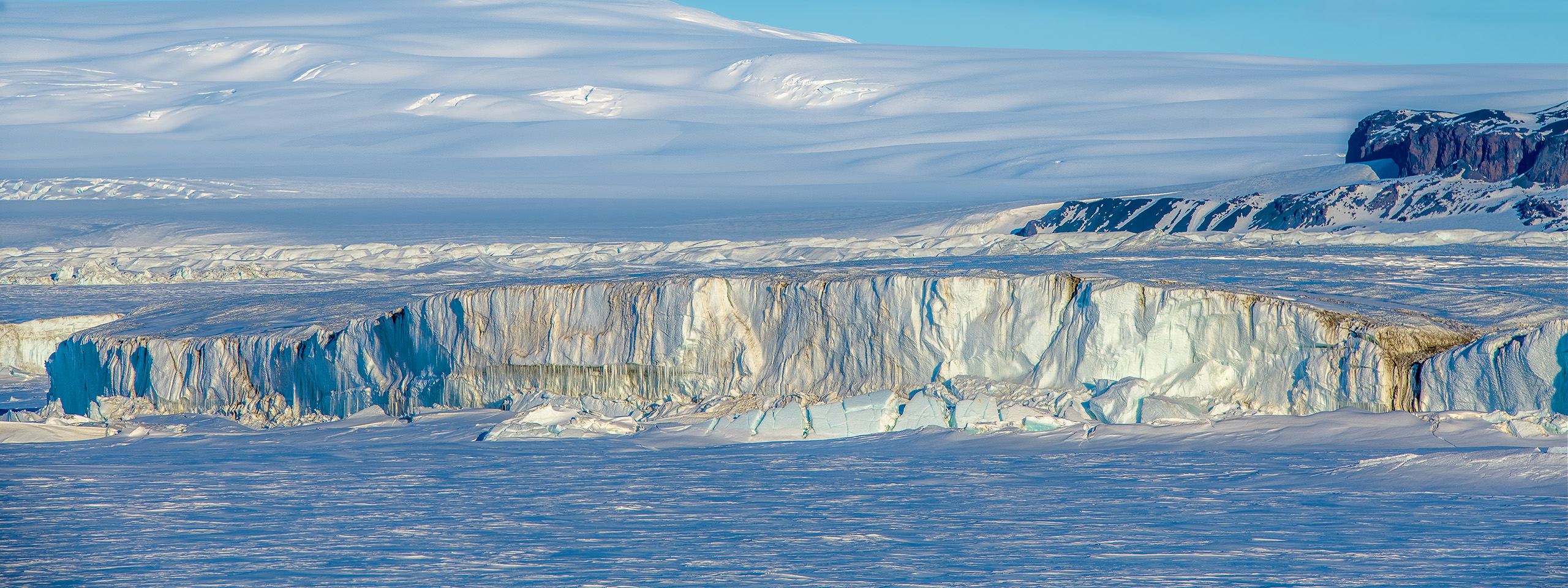
  • KOPRI Antarctic 3D Digital Exhibition
  • Incheon Technovalley U1 Center
  • Champions City
  • Dongwha Natural Floor

Want to see it on screen first?

Tell us what the site is for and roughly how big it is. We'll tell you which solution fits and open real examples for you.